Model Studio · Local-first · LiteRT + llama.cpp
Build a personal model without giving up control
Model Studio is the desktop workspace for preparing personal datasets, evaluating local models, and supervising AI workflows connected to your glasses. Work locally by default, connect infrastructure you operate, or approve a capped cloud job when local hardware is not enough.
Artifact lifecycle
Local-first and leak-free by design
- 01
Register the job and upload the training package ephemerally to KV with a TTL.
- 02
Reserve the budget, accrue usage, and keep settlement auditable in the wallet ledger.
- 03
Mirror a completed checkpoint to temporary storage only after the cloud job runs.
- 04
Delete the temporary artifact after its one-time download so no orphaned object remains.
01
What Model Studio does — private datasets, 9 native plugins, local models and Obsidian
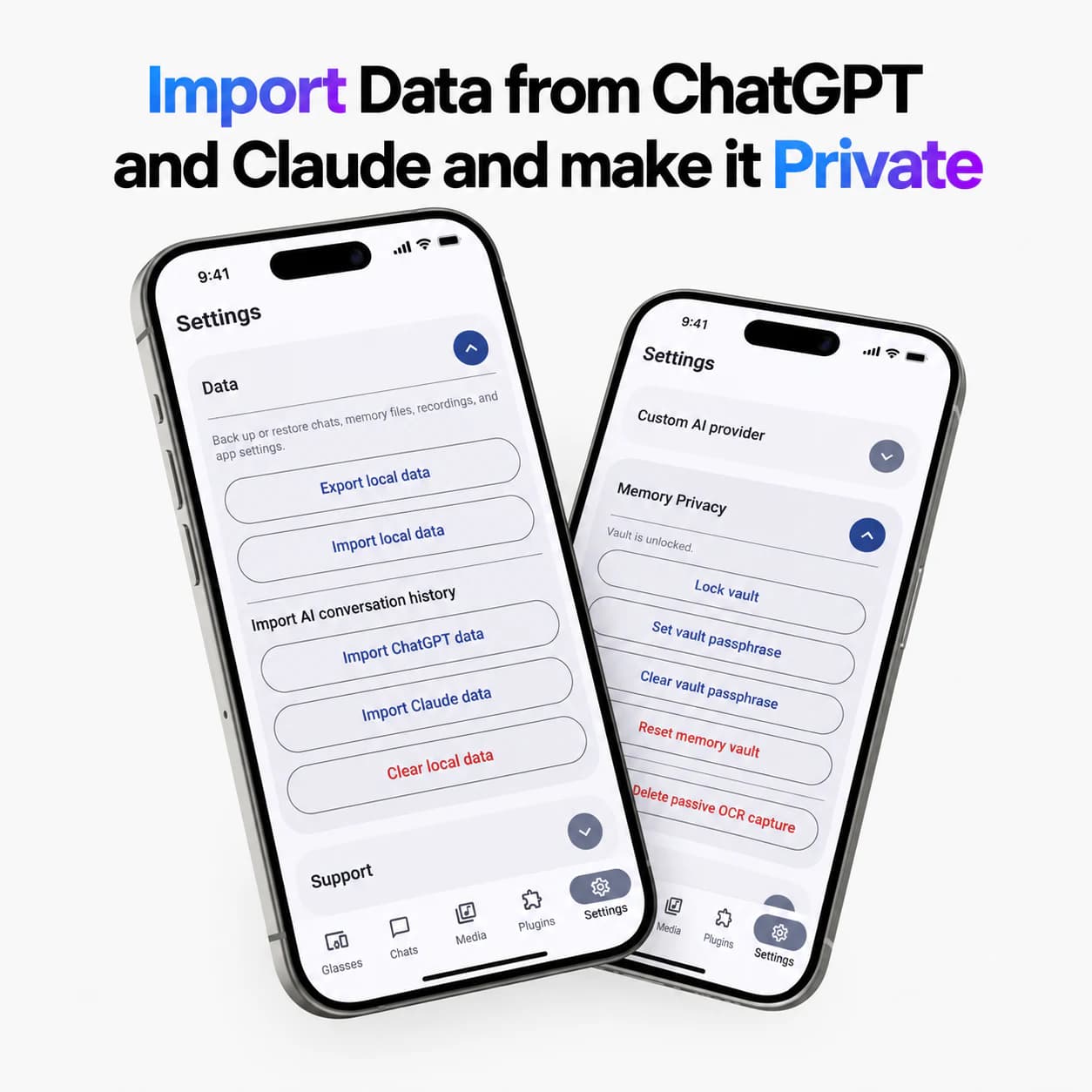
- 01Turn exports you already control (OpenCode, Claude Code, Codex sessions, WhatsApp, ChatGPT, Google Takeout, CyanBridge mobile exports) and Obsidian vault Markdown (.md with YAML frontmatter via Storage Access Framework scoped folder) into a filtered, previewable training dataset — locally by default. Vaults are plaintext so Obsidian can read them directly; Memory Vault encryption does not encrypt external vault files.
- 02Fine-tune or run curated local LLMs on the phone (LiteRT: Gemma 4 E2B 2.58GB / E4B 3.65GB LiteRT-LM mixed 2/4/8-bit, NPU Coming Soon; llama.cpp: Qwen3.5 0.8B Q4_0 563MB gguf, context 4096, template qwen_chat/gemma_it, GPU/CPU/NPU_EXPERIMENTAL, gpuLayers and MTP/drafter when packaged) or on a laptop via Ollama at http://localhost:11434, llama.cpp or Model Studio on a computer you control — no subscription required for local.
- 03Run 9 native plugins with the glasses bridge: Local Agent (supervised coding-agent, approval via phone), Walking Aid (vision hazard/camera-motion via LiteRT vision backend), Meeting Spark Notes, Live Caption Relay, Hands-Free Translator, Errand Brain, Auto Diary, Auto Audio, Visual Diary — plus community Tasker plugins. WalkingAid/VisualDiary/AutoAudio require camera or HeyCyan media; MYVU supports display/microphone plugins only.
- 04Keep cloud optional: when local hardware is not enough, present an itemized RunPod quote, budget reservation and hard cap before any cloud job starts; mirrored artifacts delete after download (no orphaned objects).
02
Local models on your hardware and on a laptop — LiteRT + llama.cpp + Ollama (fully local vs $1–$20 vs $16)
- 01On-phone: LiteRT-LM for Gemma 4 (E2B starter 6GB RAM/4.5GB storage, E4B 8GB/6.5GB) and llama.cpp for Qwen3.5 0.8B (4GB RAM/0.35GB storage, arm64-v8a/x86_64, CPU threads 2–8, GPU layers -1 = auto). Templates: qwen_chat (ChatML), gemma_it, generic_chatml, raw_completion. Check DeviceCapabilityService (RAM, freeStorage, ABI, core count) before download.
- 02On-laptop/desktop: point the app to a remote OpenAI-compatible server — RemoteOpenAiClient — typically Ollama at http://localhost:11434, llama.cpp server or Model Studio. Multilingual TTS chunking (SpeechQueueController, StreamingTextNormalizer) stays local where supported.
- 03Pricing contrast: CyanBridge glasses $50 before tax/shipping vs Ray-Ban $379+ / Display $799 / Omi $89 + $16/mo unlimited. CyanBridge hosted plans Cheap $1 (3.5M tokens) / Standard $5 (18.5M) / Max $20 (74M). Fully local via LiteRT/llama.cpp on phone or Ollama/llama.cpp/Model Studio on laptop costs no ongoing subscription.
03
Obsidian notes integration — scoped folder, plaintext Markdown, periodic sync
- 01Choose an existing Obsidian vault or create a plain Markdown vault; Android asks for scoped read/write to that folder only — no broad storage permission. Files remain ordinary .md so Obsidian and other Markdown apps can read them.
- 02Managed notes use YAML frontmatter (title, tags with # optional, comma/space separated). CyanBridge can create, edit and re-index vault notes via SafKnowledgeRepository (scanObsidian, listManagedObsidianNotes, saveObsidianNote) and sync periodically.
- 03Storage note: external vault files are not encrypted by Memory Vault; protect them with device/storage encryption or an encrypted sync provider if needed. Disconnecting the vault does not delete the .md files.
04
Privacy model vs cloud-only AI glasses
Cloud-only AI glasses like Ray-Ban Meta send most intelligence through one vendor cloud. Model Studio inverts that: dataset preparation, filtering and local inference stay on your machine unless you explicitly choose a self-hosted or quoted cloud step. Training packages live ephemerally in KV (Vercel KV or in-memory fallback with TTL), never in Supabase Storage, and checkpoint mirrors delete after your one-time download via deleteTemporaryArtifact.
05
Source transparency
- 01Public Android companion source: github.com/FerSaiyan/Alternative-HeyCyan-App-and-SDK — linked from Privacy and Terms under Public Android source.
- 02Model Studio repository (github.com/FerSaiyan/cyanbridge-model-studio) is currently private (verified 404 via api.github.com on 2026-08-28) and is not claimed as publicly available — this page is the public documentation surface.
- 03Do not confuse Public Android source with Model Studio storage policy: training packages belong in KV with TTL; only ephemeral mirrored artifacts touch Supabase Storage and are deleted after download.
06
Pricing & local vs cloud control
Mobile plans ($1/$5/$20/mo) cover hosted model responses for the companion app (reference tokens are a shared usage unit based on model cost). Model Studio is local-first; optional cloud fine-tuning or hosted inference is separately quoted per job, not bundled into subscriptions. Fully local via LiteRT/llama.cpp on phone or Ollama on laptop needs no subscription.
Next step
Start local-first, add cloud only when quoted
Inspect personal exports locally, choose Qwen/Gemma or a self-hosted Ollama endpoint, and only then consider a budgeted cloud job.